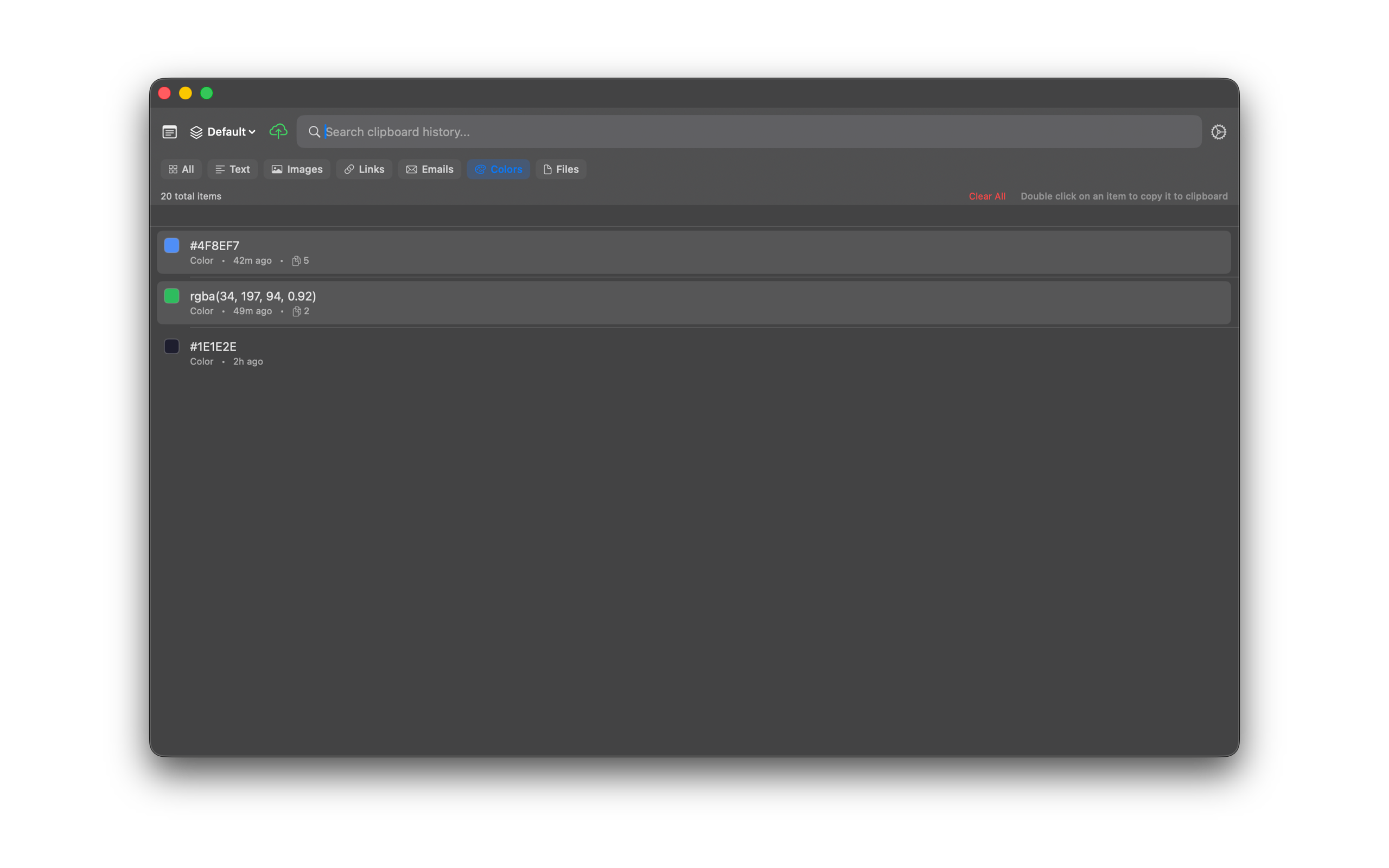
Filters
Narrow your history by type (Text, Images, Links, Emails, Colors, Files, Folders), pinned items, source app, or tags. Hide or reorder chips in Settings.
How to use it
- Open SourceBoard.
- Choose a type chip: Text, Images, Links, Emails, Colors, Files, or Folders. Chips wrap to the next row. Labels stay on one line.
- Or press Cmd+P to cycle types until you see the one you want.
- Press Cmd+Shift+F to show pinned items only.
- Use the Source app menu or a tag chip to filter further. See Tags and Source Apps.
- Press Cmd+Shift+H to reset the type filter to All.
- In Settings, open History Filters. Turn a chip off to hide it. Press Up or Down to change chip order. The All chip stays on.
Shortcuts
- Cmd+P — cycle content-type filter
- Cmd+Shift+F — show pinned items only
- Cmd+Shift+H — reset the filter to All