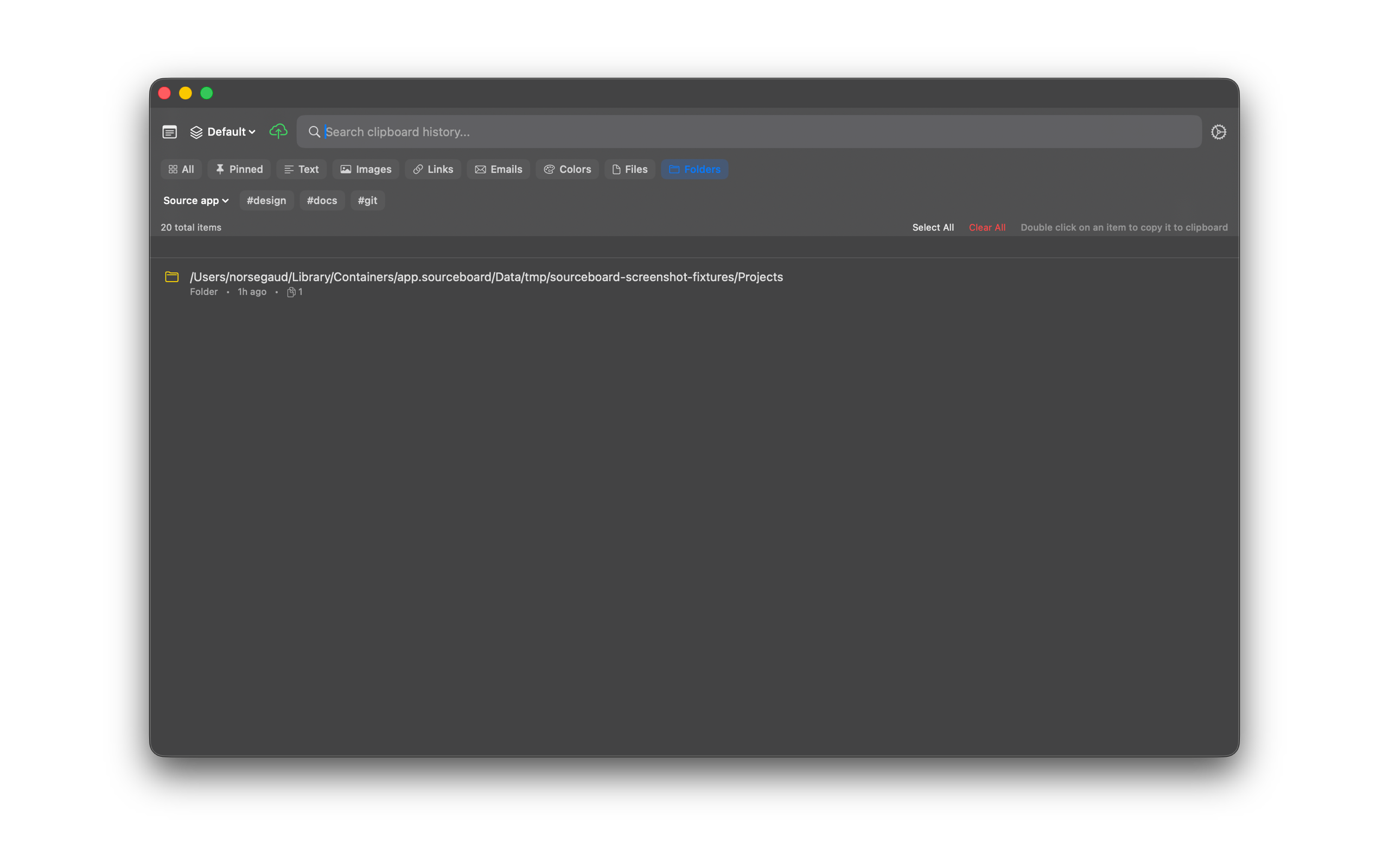
Folder Clipboard Items
When you copy a folder in Finder, SourceBoard saves it as a Folder item. Use the Folders filter to show only those items.
How to use it
- In Finder, copy a folder (Cmd+C).
- Open SourceBoard — the copy appears as a Folder item with its path.
- Select the Folders filter (or press Cmd+P until Folders is active).
- Press Return to put the folder back on the clipboard, or open the preview for Reveal in Finder and Open With….
Shortcuts
- Cmd+P — cycle filters (includes Folders)
- Return — copy the highlighted folder item back to the clipboard