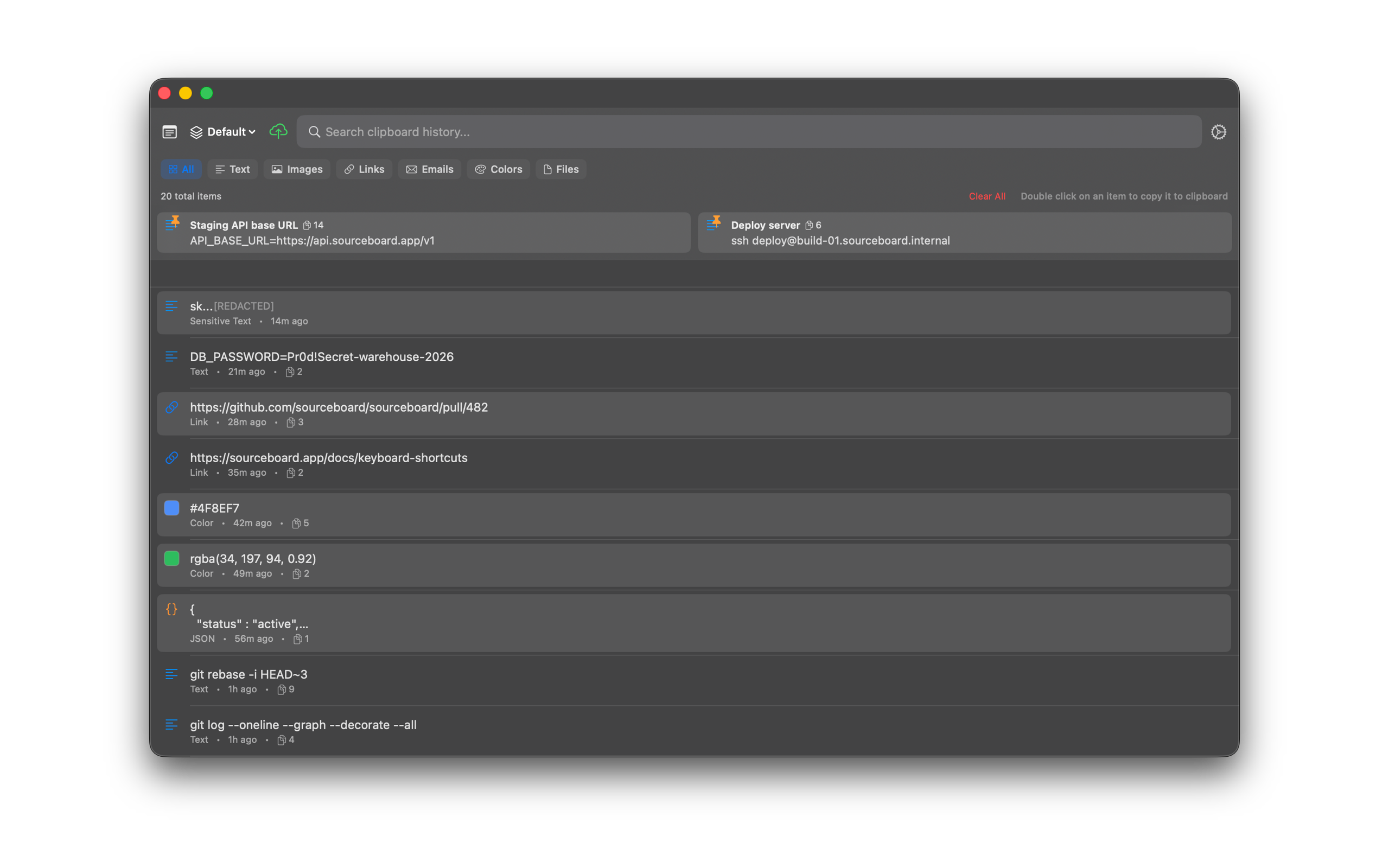
Getting Started
Install SourceBoard from the Mac App Store. A short setup shows you how to copy an item and get it back with one shortcut.
How to use it
- Download SourceBoard from the Mac App Store and open the app. The setup window opens.
- Click Continue.
- Click Copy Sample Text, or copy any text in another app. The setup shows “Saved to your history.” Click Continue.
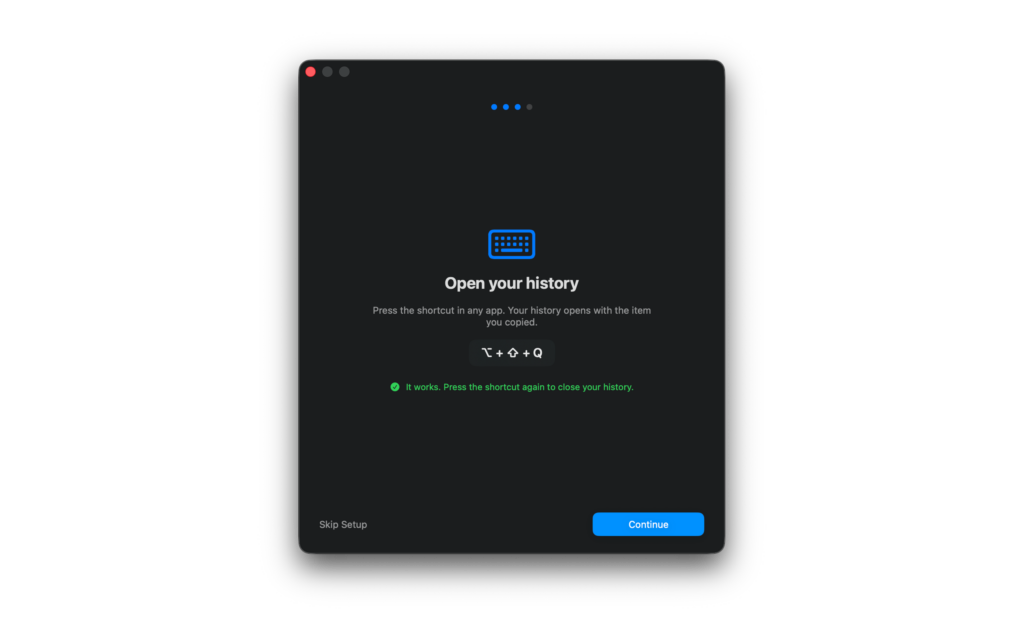
- Press Option+Shift+Q. Your history opens with the item you copied, and the setup shows “It works.” Click Continue.
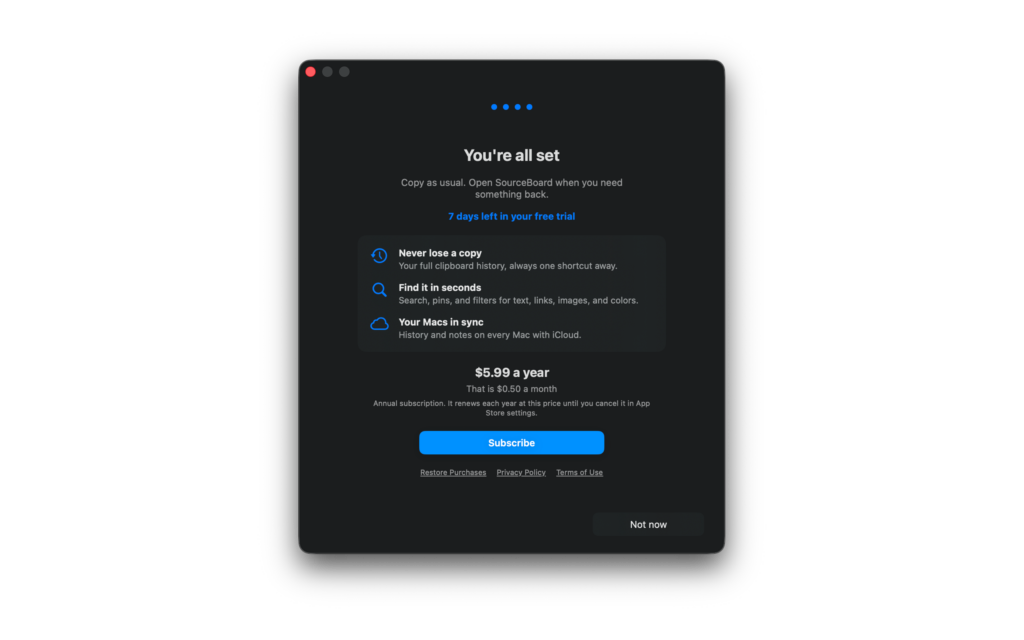
- The last screen shows the days left in your free trial and the annual subscription price. To subscribe now, click Subscribe (paid annual subscription). To use the free trial first, click Not now. Your history opens.
- Double-click an item (or press Return) to put it back on the clipboard, then paste where you need it.
The setup shows only on the first launch. To leave it, click Skip Setup. To change the shortcut, open Settings. To subscribe later, see Subscription and Free Trial.
Shortcuts
- Option+Shift+Q — open or close history
- Return — copy the highlighted item
Setup
Last setup screen
History list