Instant Access
Open your clipboard history from anywhere on your Mac with a global hotkey — even over fullscreen apps.
How to use it
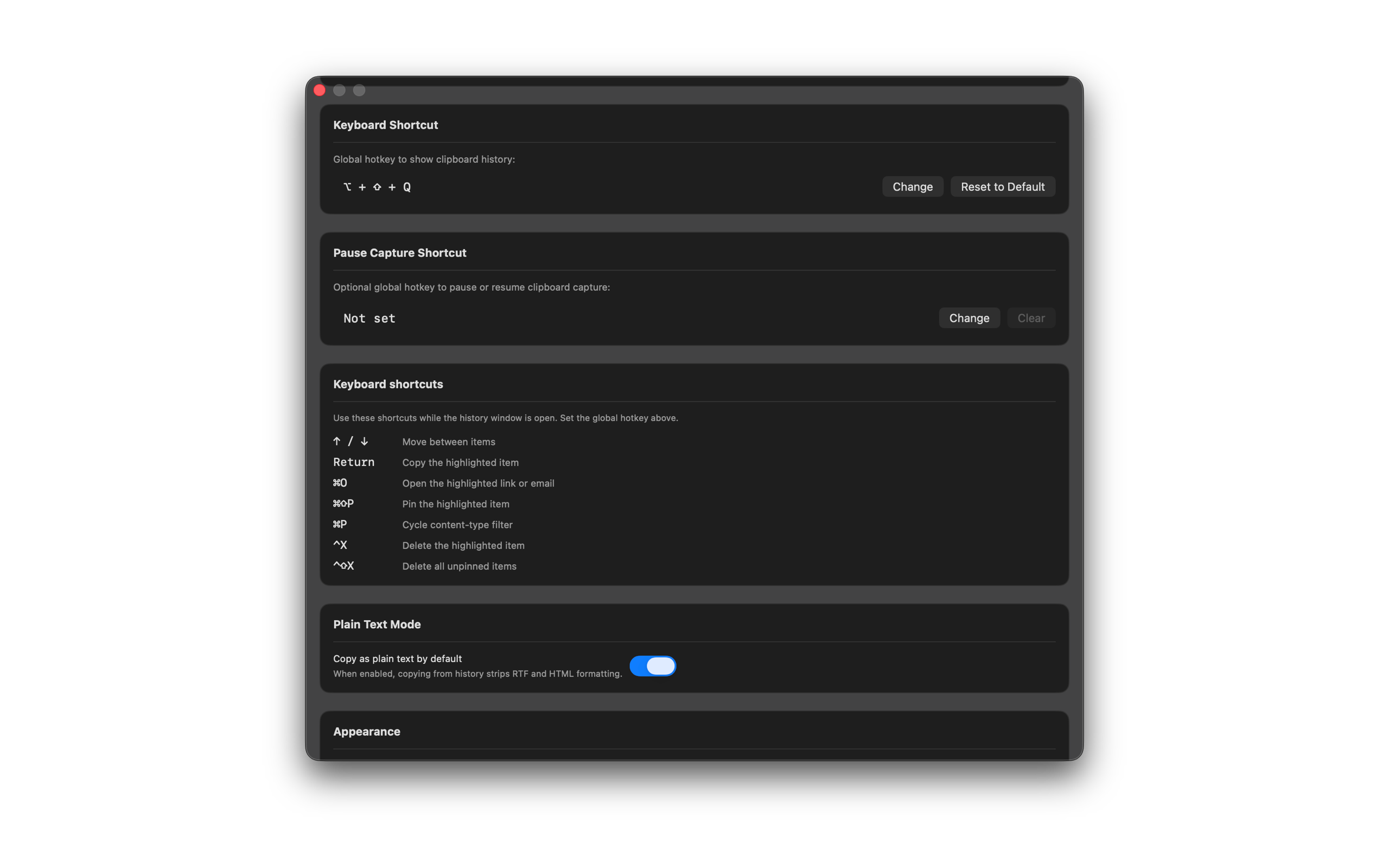
- Choose a global hotkey in Settings (we suggest Option+Shift+Q).
- Press the hotkey from any app to open SourceBoard.
- Use Up / Down to move between items.
- Press Return or double-click an item to put it back on the clipboard.
Shortcuts
- Your global hotkey — open SourceBoard
- Up / Down — move between items
- Return — copy the highlighted item