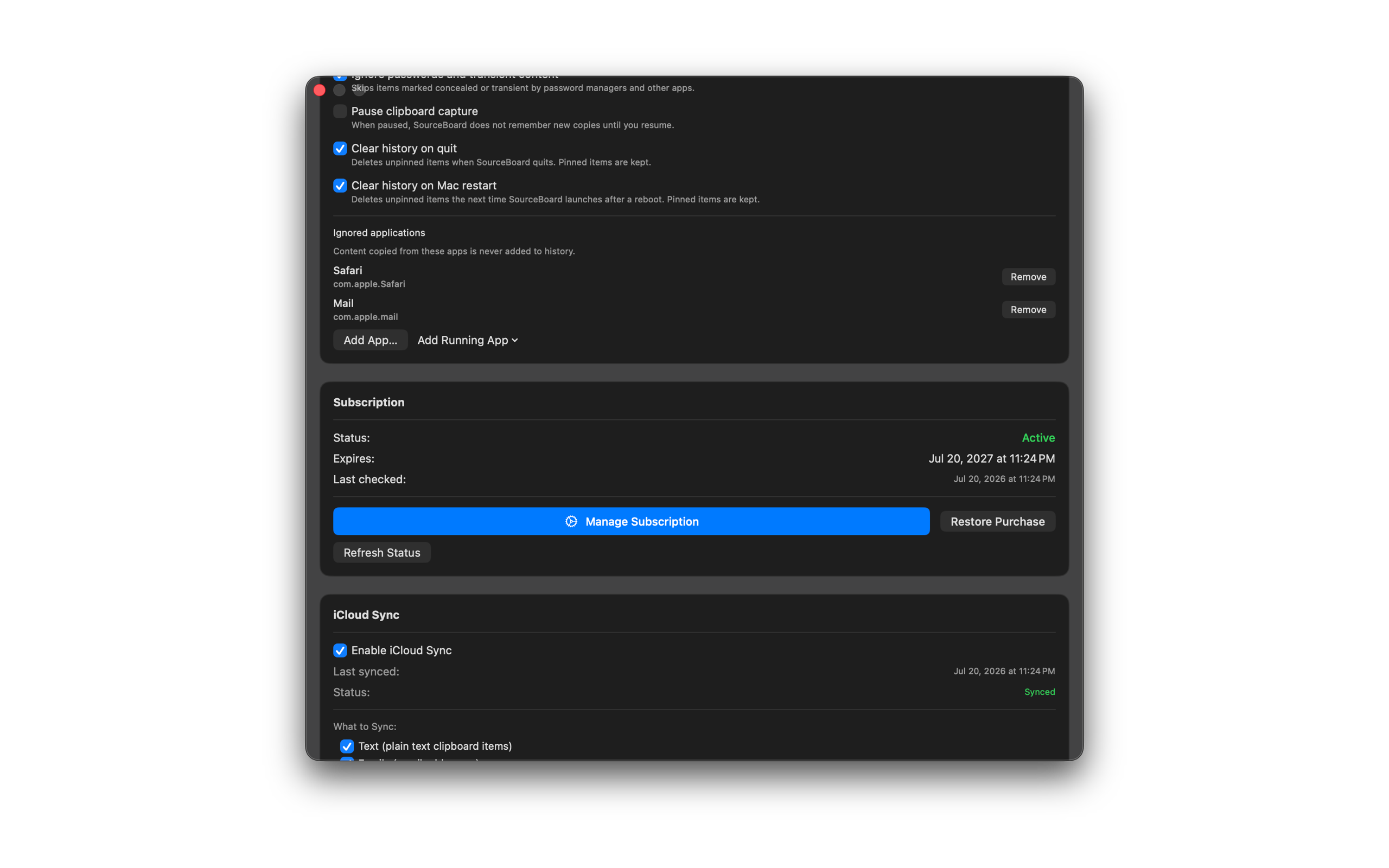
Ignore Applications
Stop SourceBoard from saving copies made in specific apps — useful for password managers, banking apps, or anything else you want kept out of history.
How to use it
- Open Settings (menu bar → Settings…, or Cmd+, from the status menu).
- In General, find Ignored applications.
- Choose Add App… to pick an app from disk, or Add Running App to pick from apps that are open.
- Copies from those apps are no longer added to history. Use Remove to allow capture again.