Pause Clipboard Capture
Pause capture when you do not want SourceBoard to remember what you copy. Resume when you are ready.
How to use it
- Open the SourceBoard menu bar icon.
- Choose Pause Clipboard Capture. The icon switches to a pause symbol while capture is off.
- Choose Resume Clipboard Capture when you want history to record copies again.
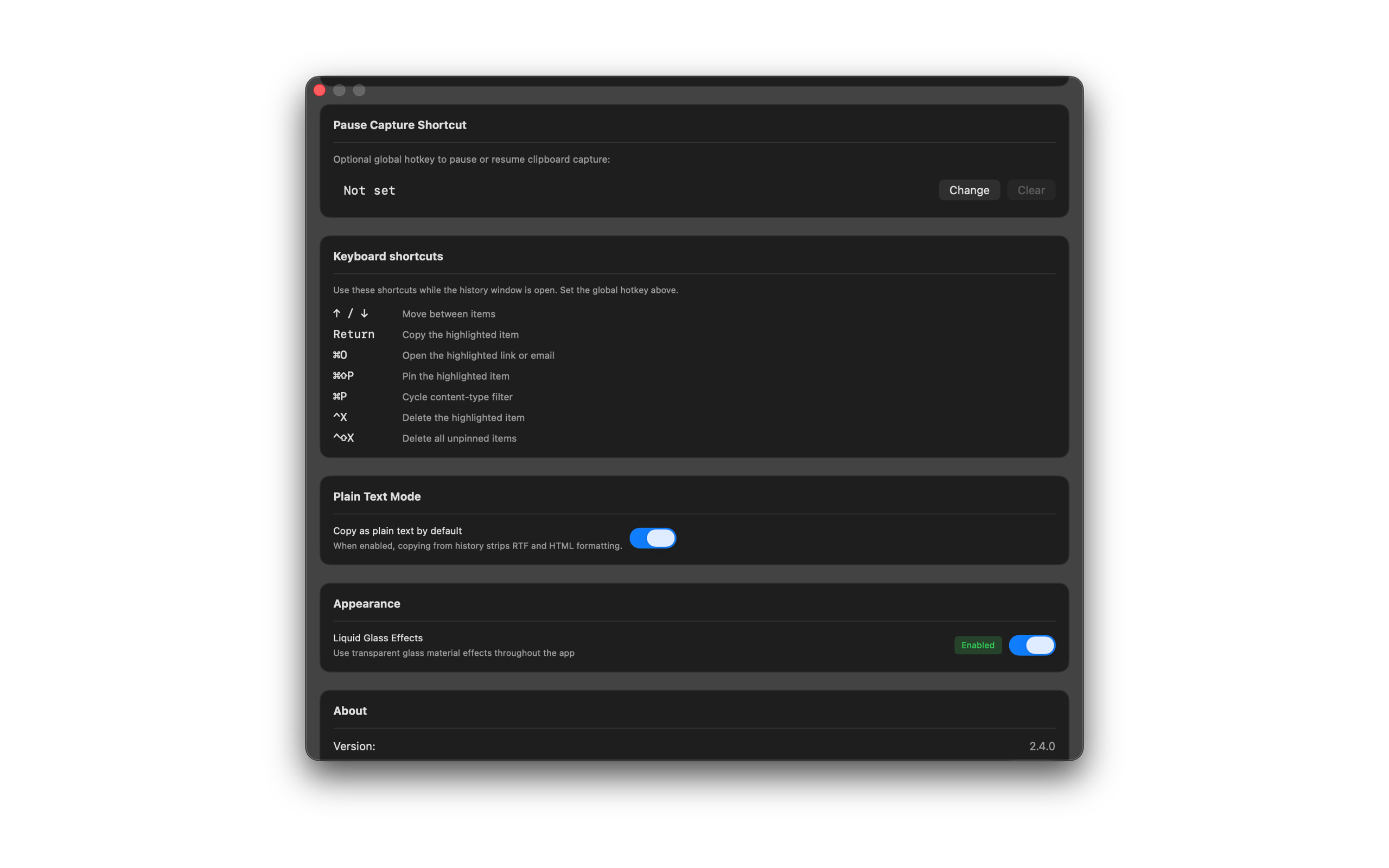
- Optional: in Settings → Pause Capture Shortcut, record a global hotkey to toggle pause without opening the menu. You can also toggle Pause clipboard capture in General settings.
Shortcuts
- Optional global hotkey — set under Settings → Pause Capture Shortcut