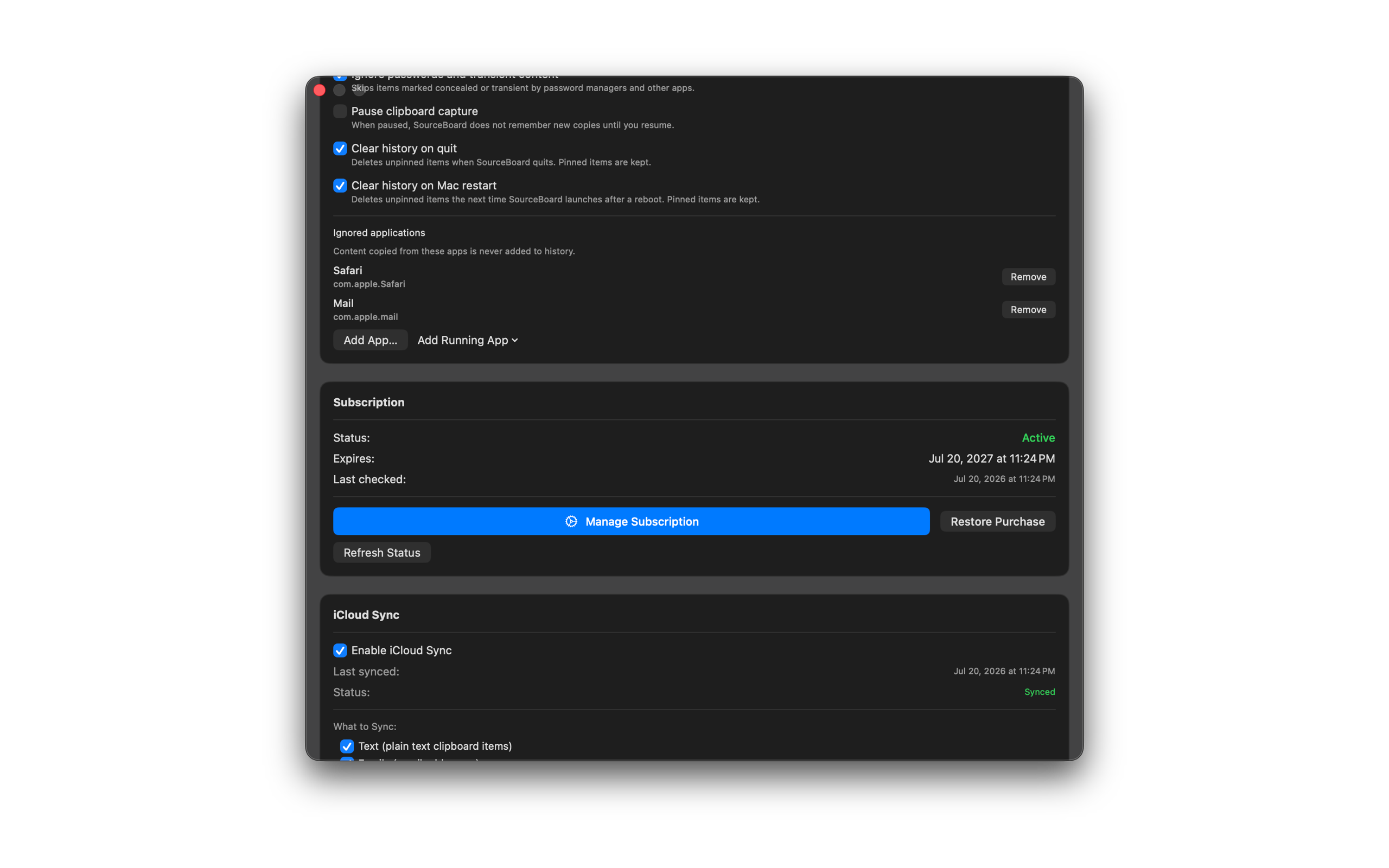
Clear History on Quit or Restart
Optionally delete unpinned clipboard items when SourceBoard quits, or the next time it launches after a Mac restart. Pinned items are always kept.
How to use it
- Open Settings → General.
- Turn on Clear history on quit if you want unpinned items removed whenever SourceBoard exits.
- Turn on Clear history on Mac restart if you want unpinned items removed on the first launch after a reboot.
- Pinned items stay in history either way.