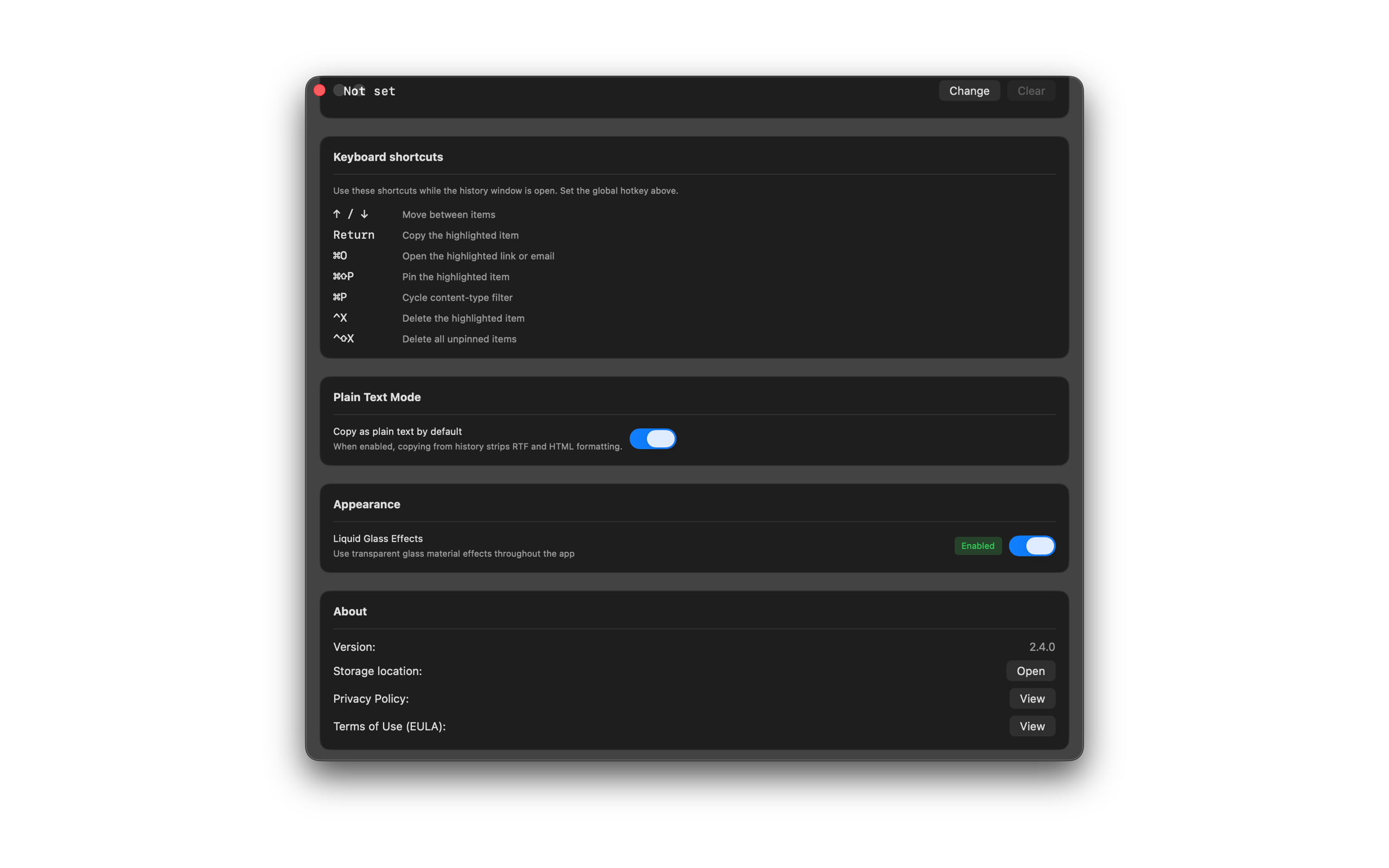
Keyboard Shortcuts
Use these shortcuts to move through history, copy, pin, filter, and clean up without the mouse. Remap history actions in Settings. Paste next, paste previous, and open history keep distinct global hotkeys.
Shortcuts
- Up / Down — move between items
- Return — copy the highlighted item. Return does not paste while an IME composition is active.
- Cmd+O — open the highlighted link or email
- Opt+Cmd+O — open the highlighted file or image
- Cmd+Shift+P — pin the highlighted item
- Cmd+R — rename the highlighted item
- Cmd+Shift+S — save the highlighted image as PNG
- Cmd+P — cycle content-type filter
- Cmd+Shift+F — show pinned items only
- Cmd+Shift+H — reset the filter to All
- Cmd+A — select or deselect all visible items
- Cmd+K — command palette
- Cmd+1–9 — paste a quick-paste slot
- Ctrl+Option+V — paste the next unpinned item
- Ctrl+Option+B — paste the previous unpinned item
- Ctrl+Option+S — open snippets (pins and notes)
- Ctrl+X — delete the highlighted item
- Ctrl+Shift+X — delete all unpinned items
Your global hotkey (we suggest Option+Shift+Q) opens SourceBoard from anywhere. Set it in Settings. Optionally set Paste Previous, Snippets, and Pause Capture shortcuts. In History Action Shortcuts, press Change to remap a window shortcut, or Reset to restore the default.