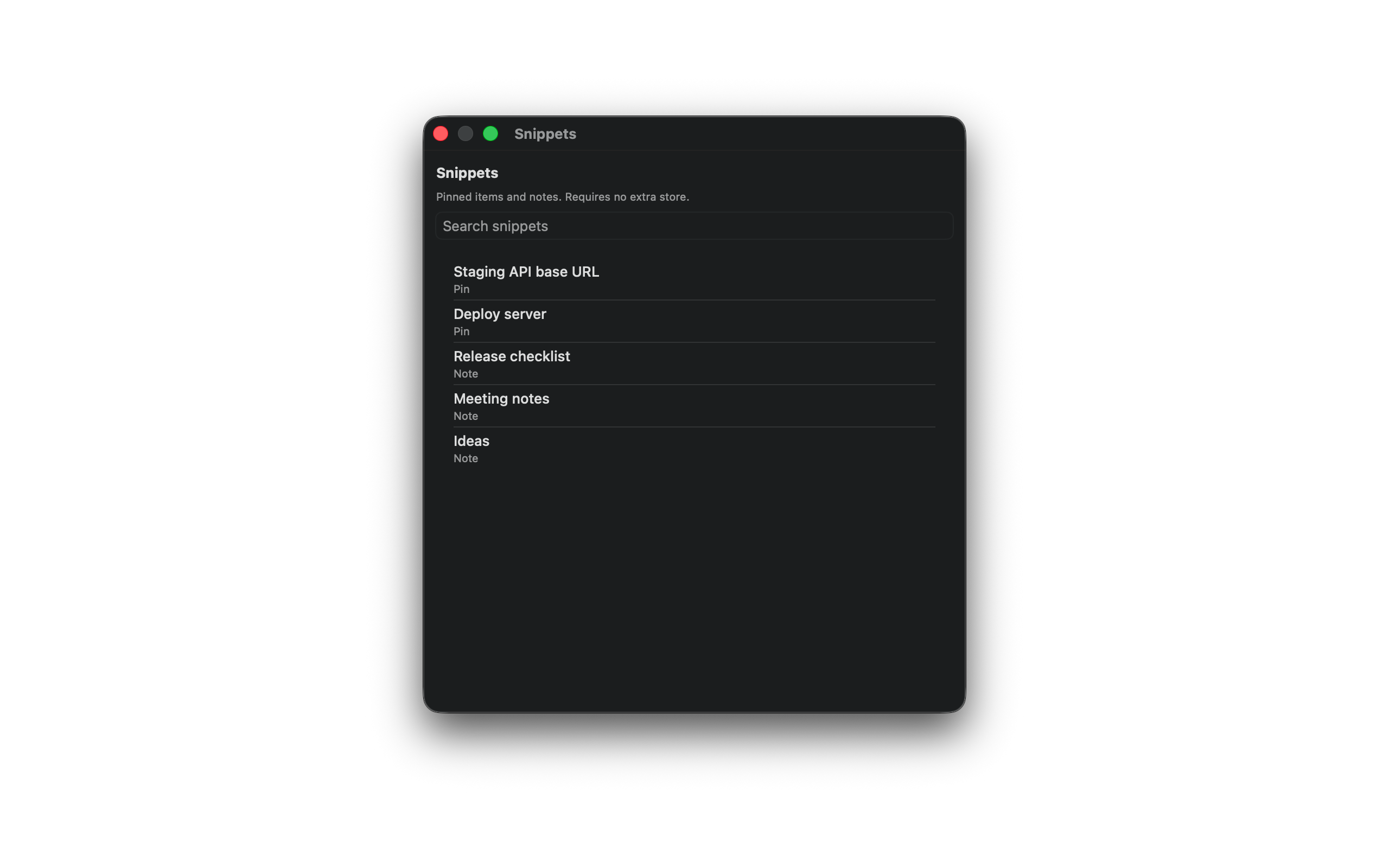
Snippets
A global hotkey opens a compact list of pinned items and notes. SourceBoard does not add a third snippets store. After the 7-day trial, SourceBoard requires a subscription.
How to use it
- Pin items you reuse, and keep notes in the notepad.
- Open Settings and set the Snippets Shortcut (default Ctrl+Option+S), or keep the default.
- Press the snippets hotkey from any app.
- Type in the search field to filter pins and notes.
- Select a row to copy that pin or note.
Shortcuts
- Ctrl+Option+S — open snippets (pins and notes)