Search
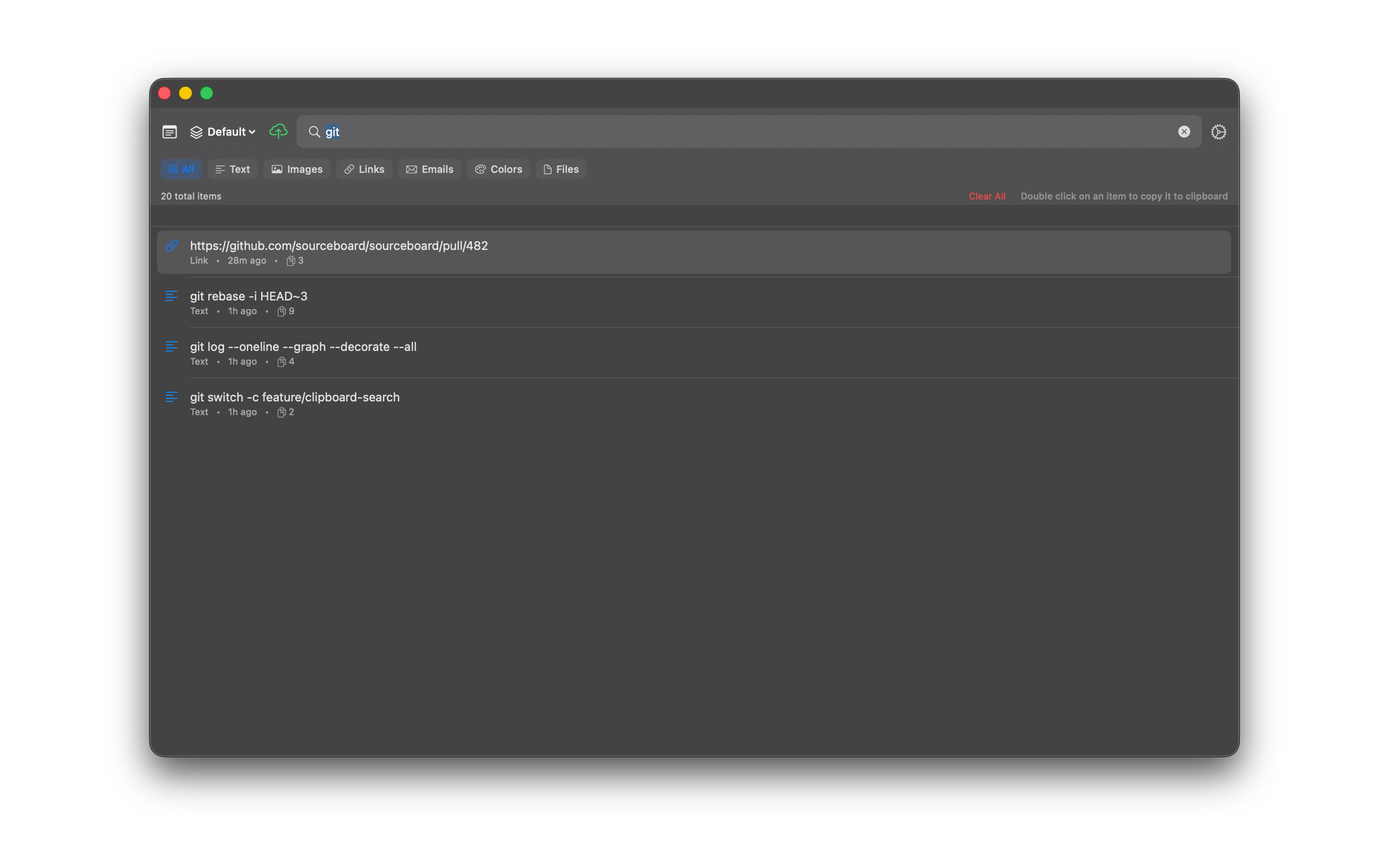
Find anything in your clipboard history with real-time search as you type. Search also matches custom titles, tag names, and source app names.
How to use it
- Open SourceBoard with your global hotkey.
- Start typing in the search field.
- The history list narrows as you type so you can jump to the matching clip.
- Press Return or double-click to copy the item back to the clipboard.