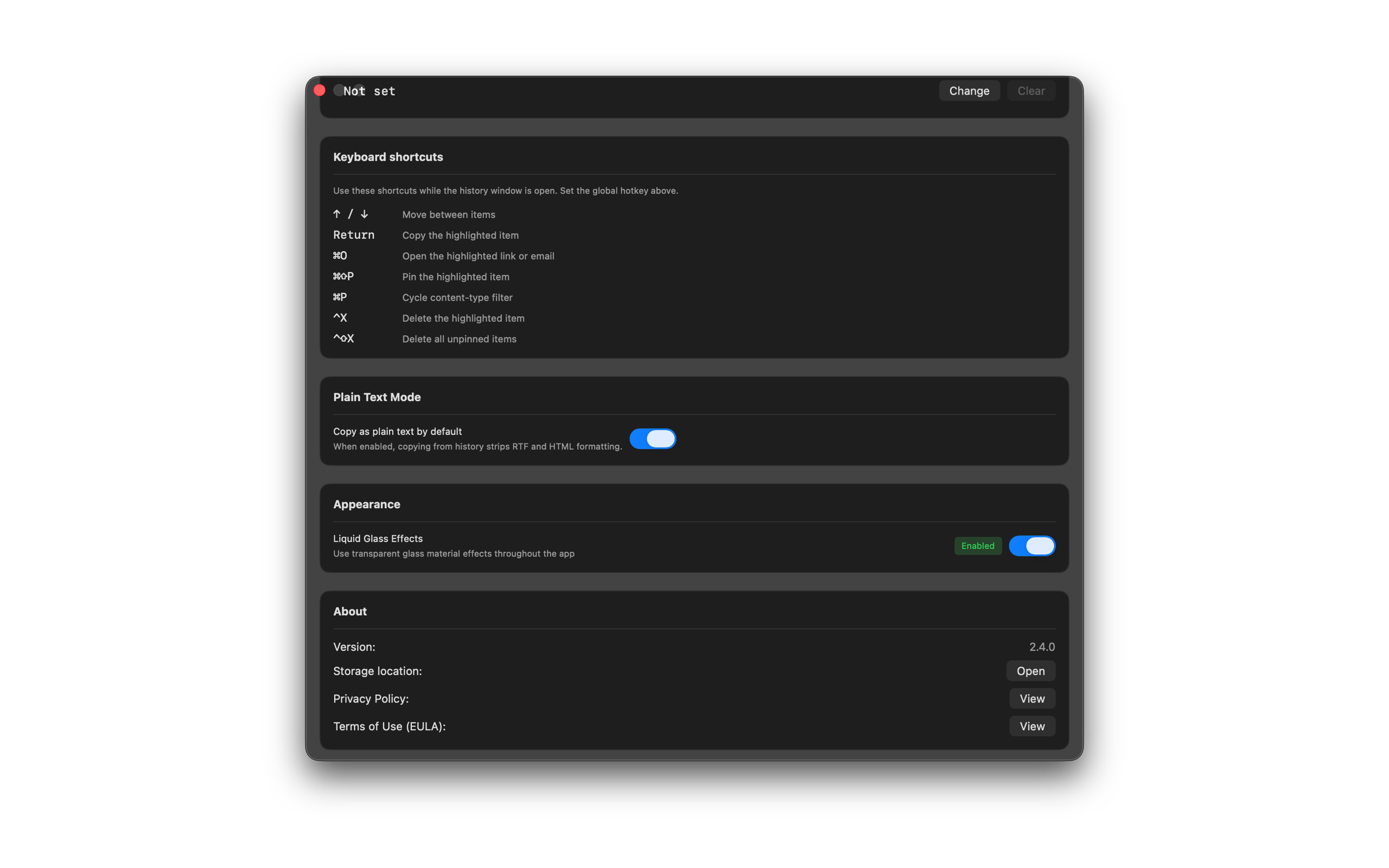
Plain Text Mode
Turn on Plain Text Mode to strip formatting when you copy an item back from history. After the 7-day trial, SourceBoard requires a subscription.
How to use it
- Open Settings.
- Find Copy as plain text by default.
- Turn the switch on. Later copies from history go to the clipboard as plain text.
- Turn the switch off when you want to keep rich text and HTML.
Shortcuts
No extra shortcut. You can also copy as plain text from an item menu when you need it once.