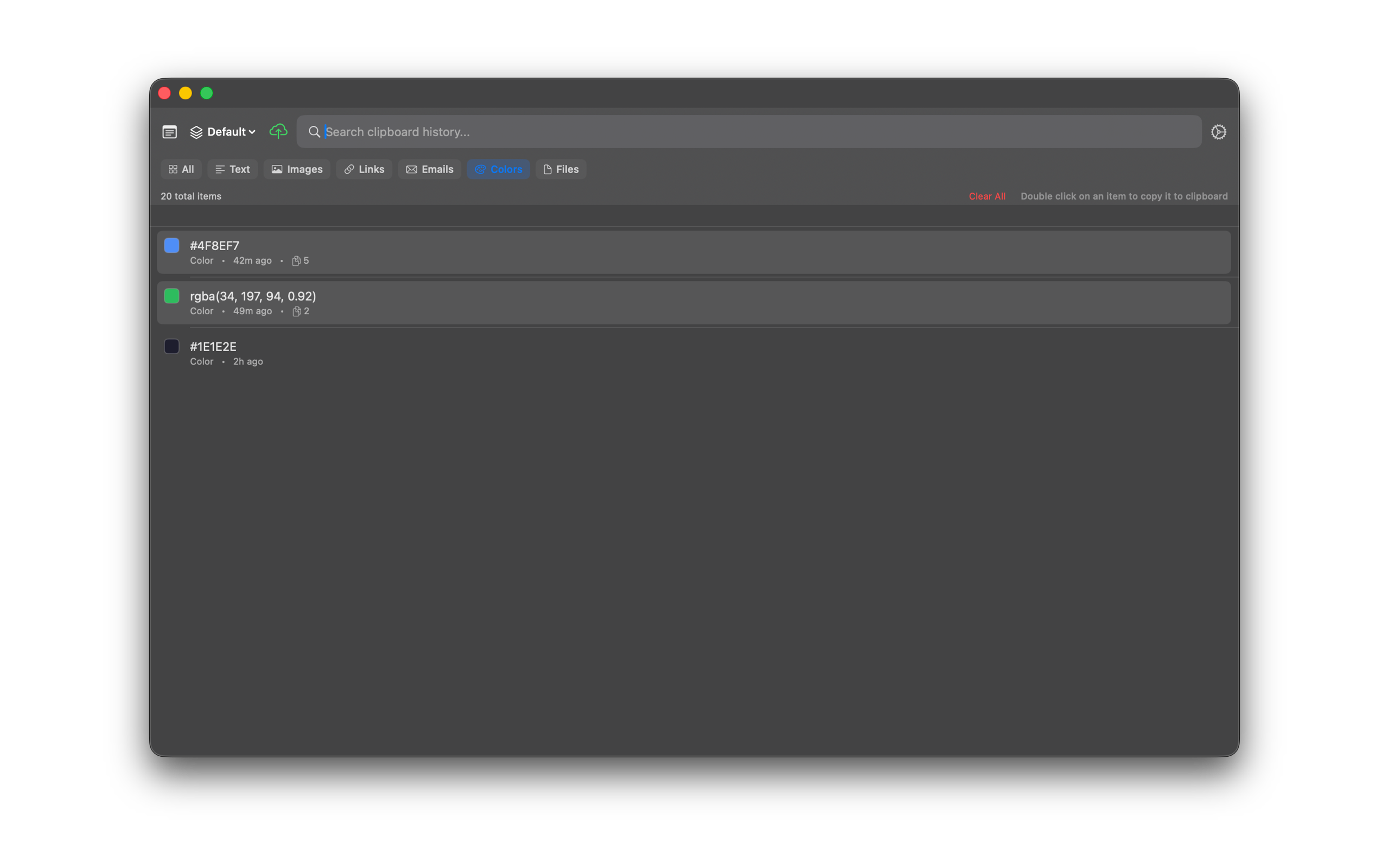
Links & Colors
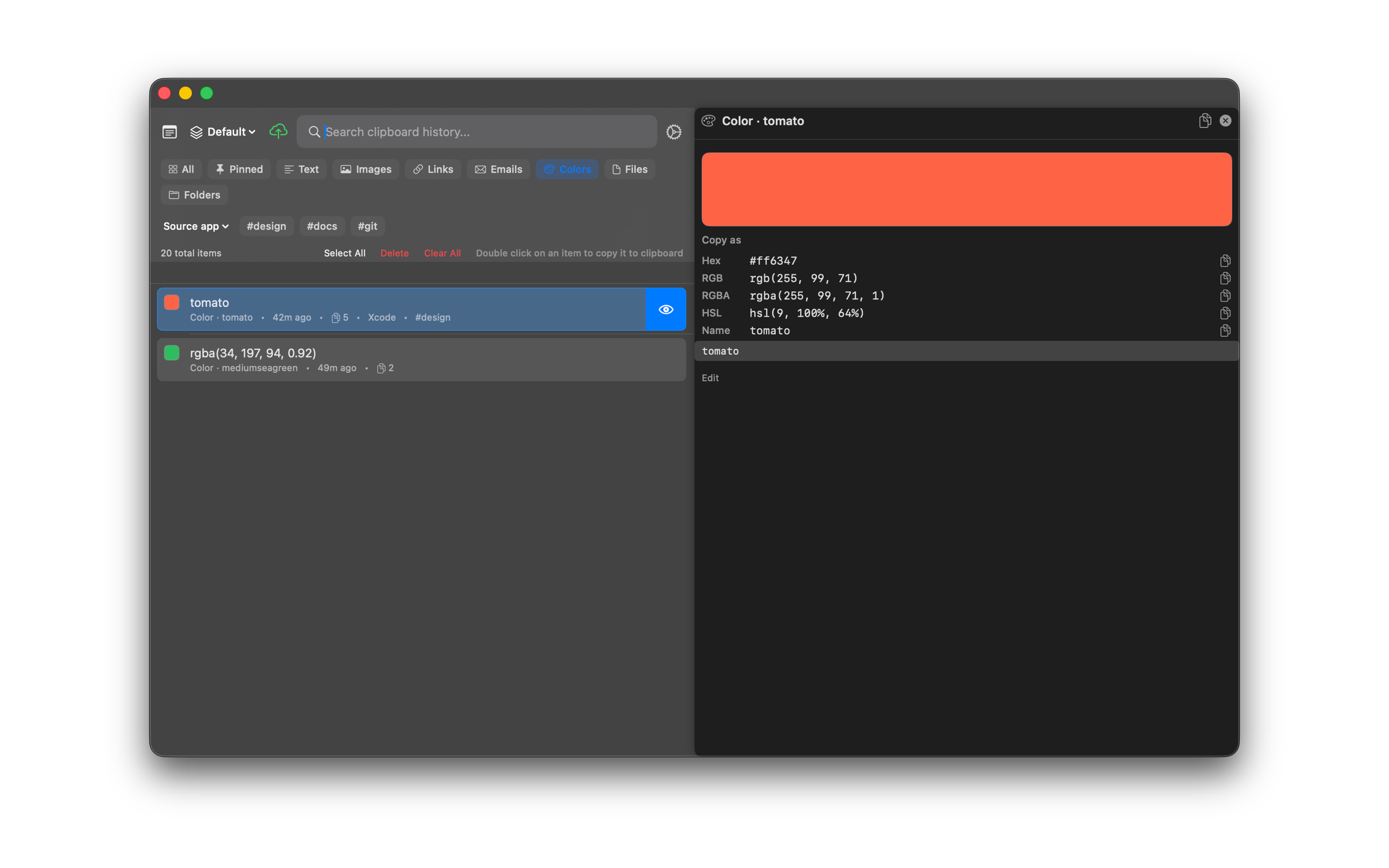
Open copied links in your browser. Hex, rgb(), and CSS color names show as swatches. Select a color and open the preview. The Copy as list copies Hex, RGB, RGBA, HSL, or the CSS name.
Copy a color as Hex, RGB, RGBA, HSL, or Name
- Copy a color value such as
#0d6e5f,rgb(13, 110, 95), or a CSS name such astomato. - Open SourceBoard and select the color item. Confirm the swatch on the row.
- Open the preview. Under Copy as you see Hex, RGB, RGBA, HSL, and Name when a CSS name exists.
- Click the copy button next to the format you need. SourceBoard puts that string on the clipboard.
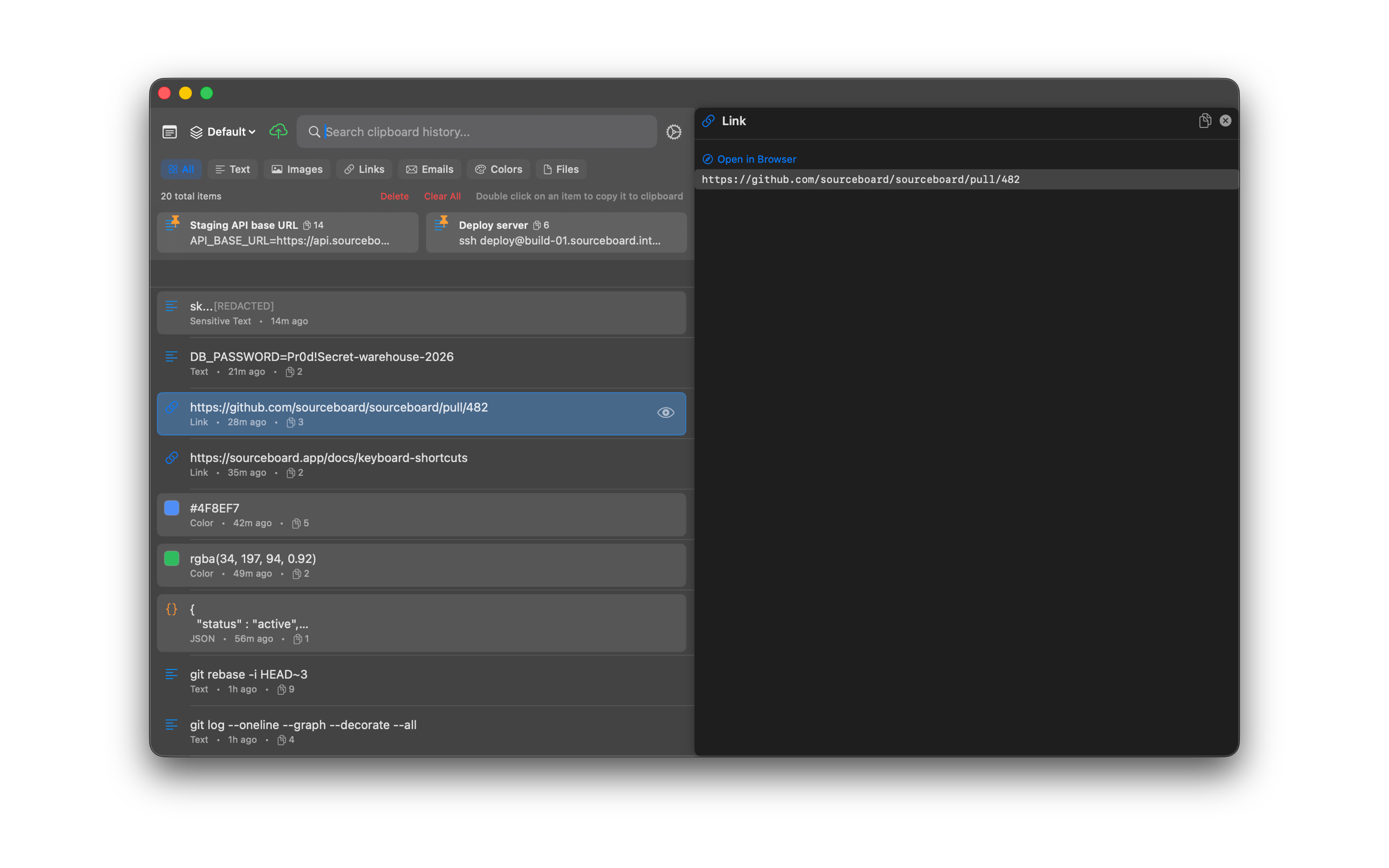
Open a copied link
- Copy a URL.
- Open SourceBoard and select the link item.
- Press Cmd+O to open the URL in your browser, or use Open in SourceBoard in the preview.
Edit the preview text
- Open the preview for a text, link, color, or email item.
- The preview shows the content. Click Edit below the text when you need to change it.
- Press Return to add a new line. Return does not close SourceBoard while you edit.
- Change the text. Click Save edits to keep the change, or Cancel to keep the original text.
- Image items do not show Edit.
Shortcuts
- Cmd+O — open the highlighted link
Filter to Colors
Use the Colors chip to show only color items in the list.