Missing File Items
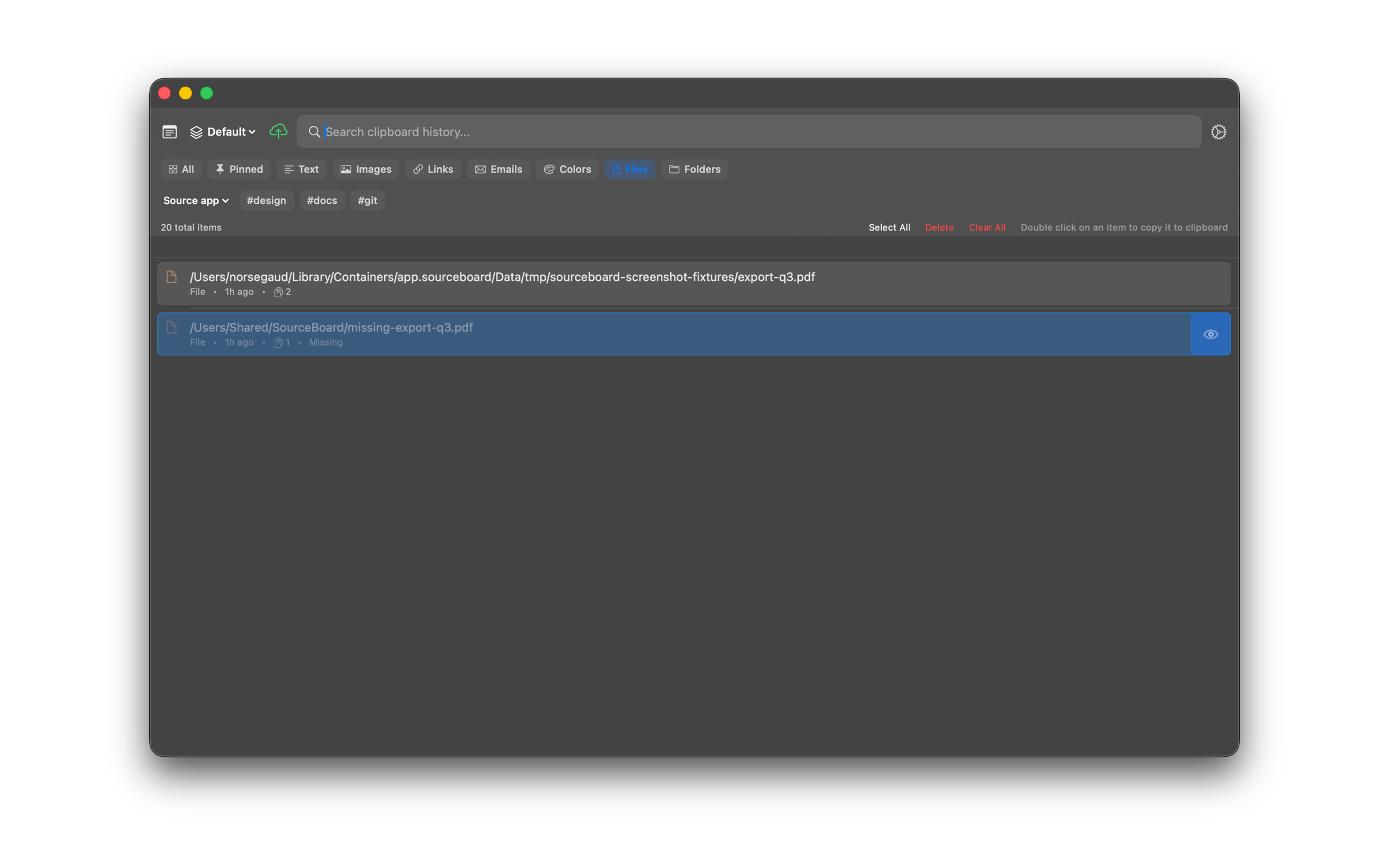
If a file path in history no longer exists on disk, SourceBoard dims the row and shows a Missing label so you can see the problem at a glance.
How to use it
- Open SourceBoard and select the Files filter.
- Look for dimmed rows with a Missing label.
- Open the preview if you need the path text, or delete the item if you no longer need it.
Shortcuts
- Cmd+P — cycle filters (includes Files)
- Delete — remove the highlighted missing item