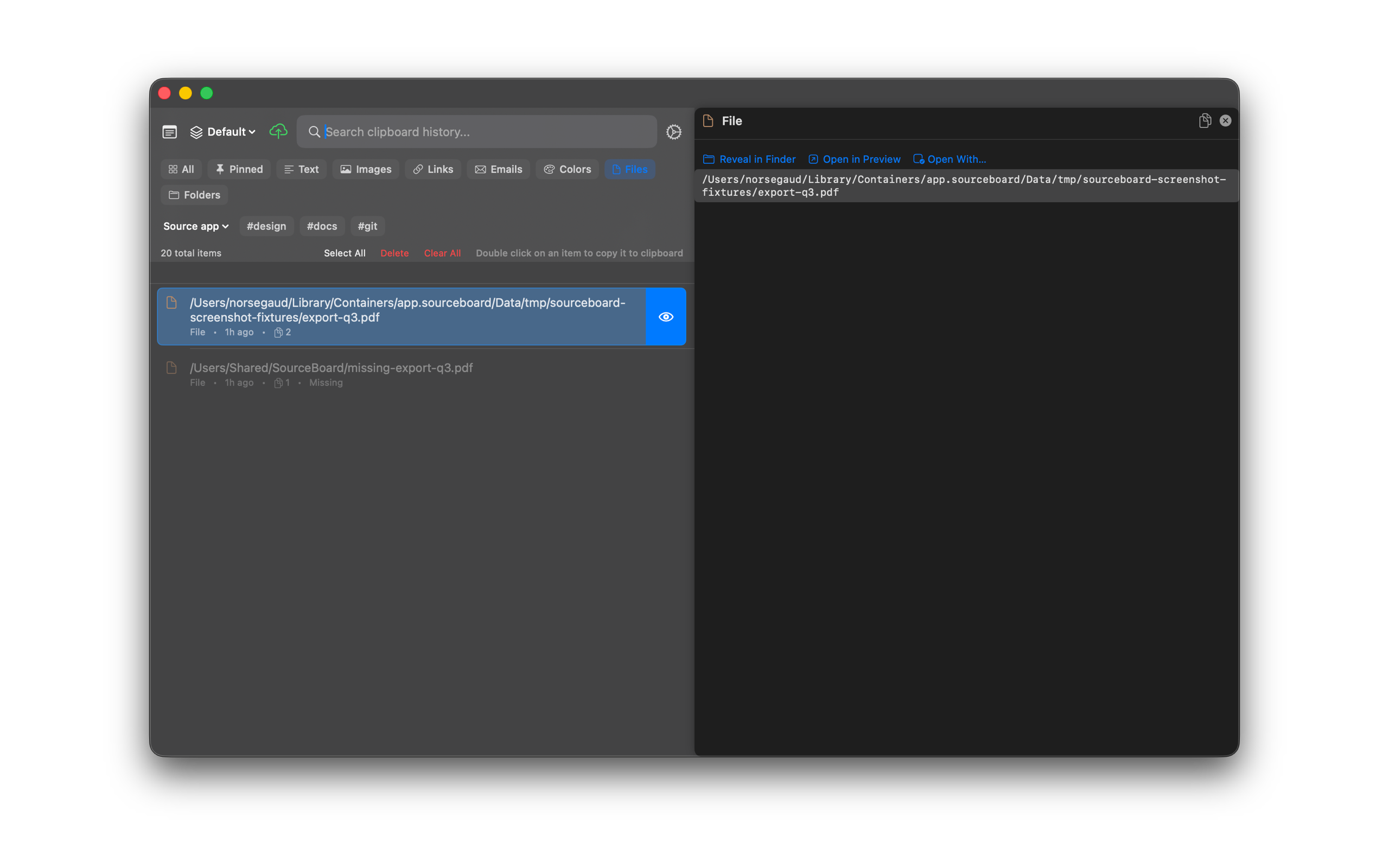
Open With
For file and image history items, open the preview and choose Open (default app) or Open With… to pick another app. This feature requires a SourceBoard subscription after the trial.
How to use it
- Select a file or image item in history.
- Open the preview (eye button or View Details).
- Choose Open in <default app>, or Open With… to pick an app.
Shortcuts
- Opt+Cmd+O — Open With… for the highlighted file or image