

Emails
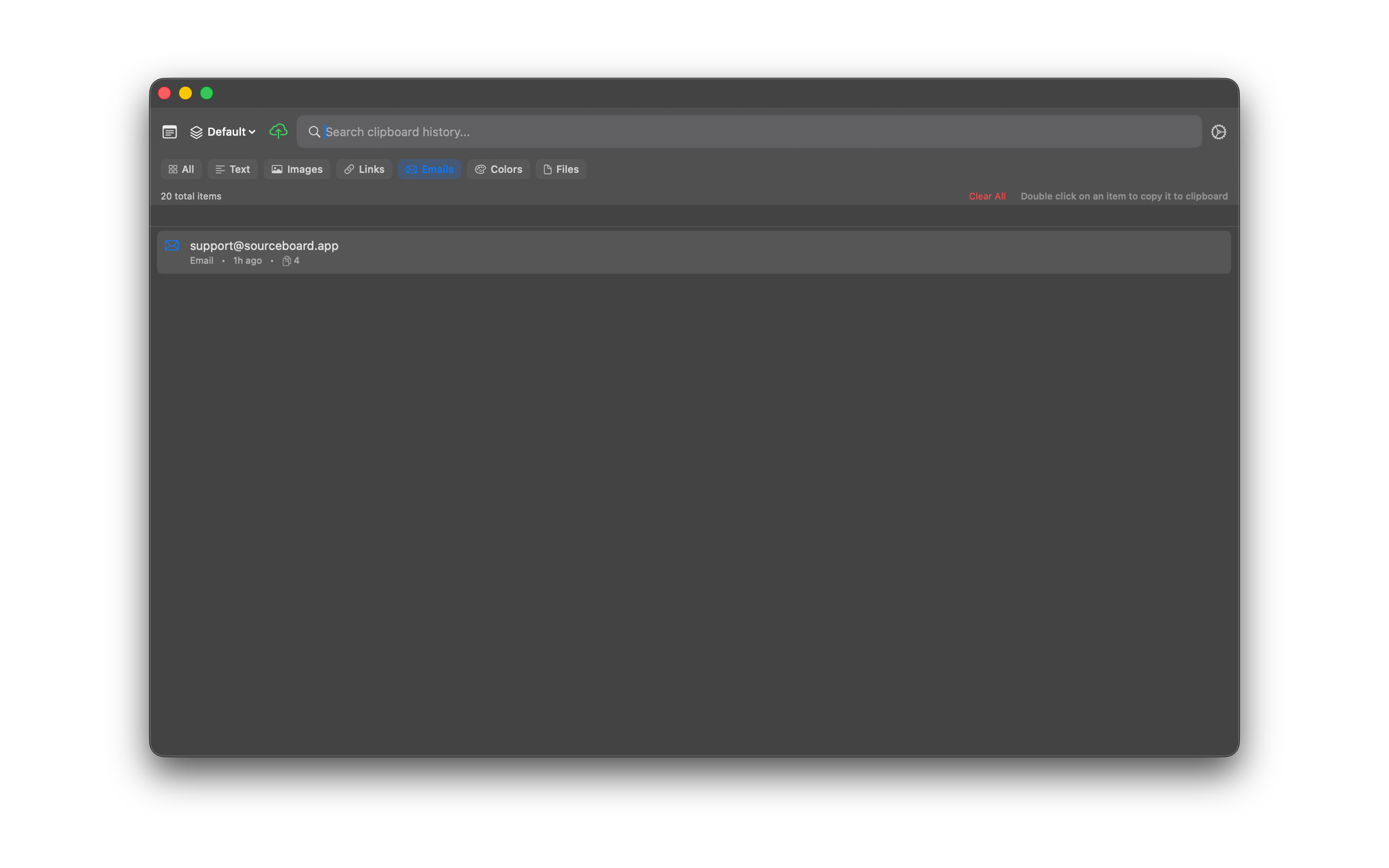
Single email addresses copied to the clipboard are detected as Email items so you can filter them and open a new message quickly.
How to use it
- Copy an email address (for example
[email protected]). - Open SourceBoard — the item shows as Email with an envelope icon.
- Filter with Emails (or cycle with Cmd+P).
- Press Cmd+O, or open the preview and choose Compose Email, to start a message in your mail app.
Shortcuts
- Cmd+O — open the highlighted email in your mail app
- Cmd+P — cycle filters (includes Emails)
Emails filter
Compose from preview
