

File Clipboard Items
When you copy files in Finder, SourceBoard saves them as file items in your history so you can copy them back, reveal them, or open them in an app.
How to use it
- In Finder, copy one or more files (Cmd+C).
- Open SourceBoard — the copy appears as a File item with its path(s).
- Use the Files filter (or Cmd+P) to show only file items.
- Press Return to put the file(s) back on the clipboard, or open the preview and choose Reveal in Finder.
- Use Open or Open With… from the preview when you want to open the file in an app. See Open With.
Shortcuts
- Cmd+P — cycle filters (includes Files)
- Return — copy the highlighted file item back to the clipboard
- Opt+Cmd+O — Open With… for the highlighted file
Files filter
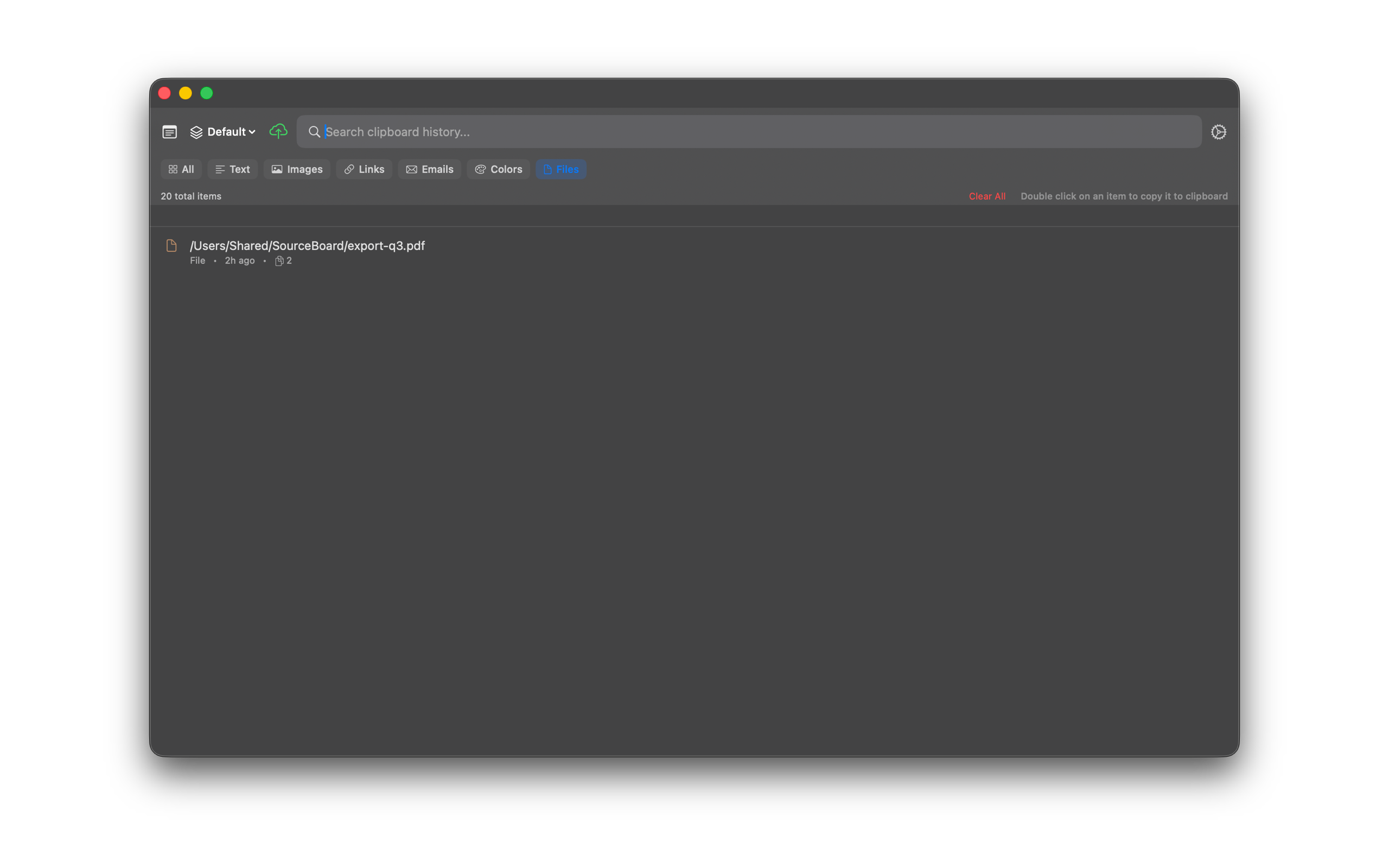
File preview
