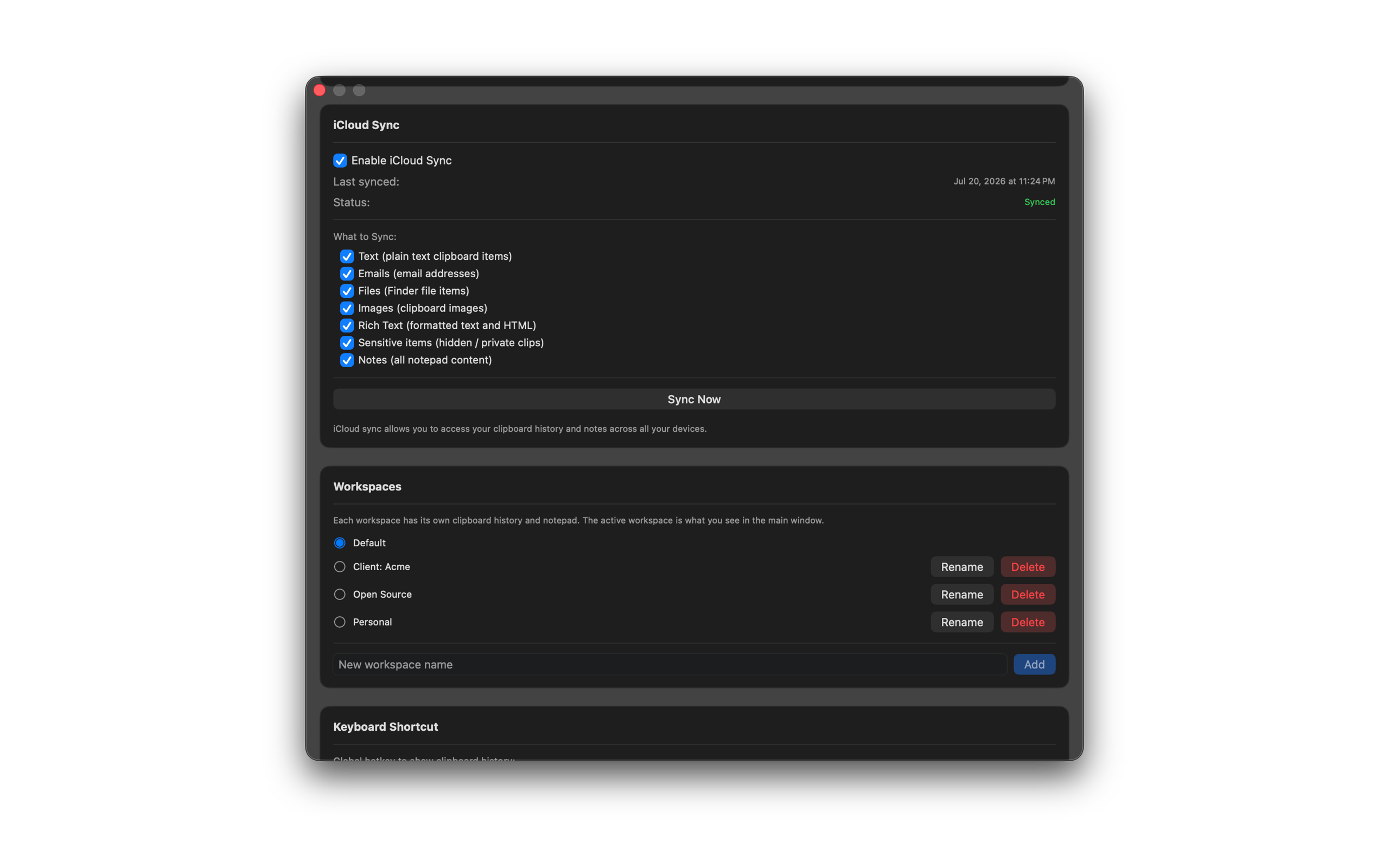
iCloud Sync
iCloud Sync requires a paid subscription. Sync clipboard history and notes across your Macs. This feature is not available during the free trial.
How to use it
- Subscribe after your trial (or restore an existing purchase).
- Open Settings and enable iCloud Sync.
- Choose what syncs: text, emails, files, images, rich text, sensitive items, and notes.
- On another Mac signed into the same iCloud account with SourceBoard installed and subscribed, confirm the synced content appears.