Notepad
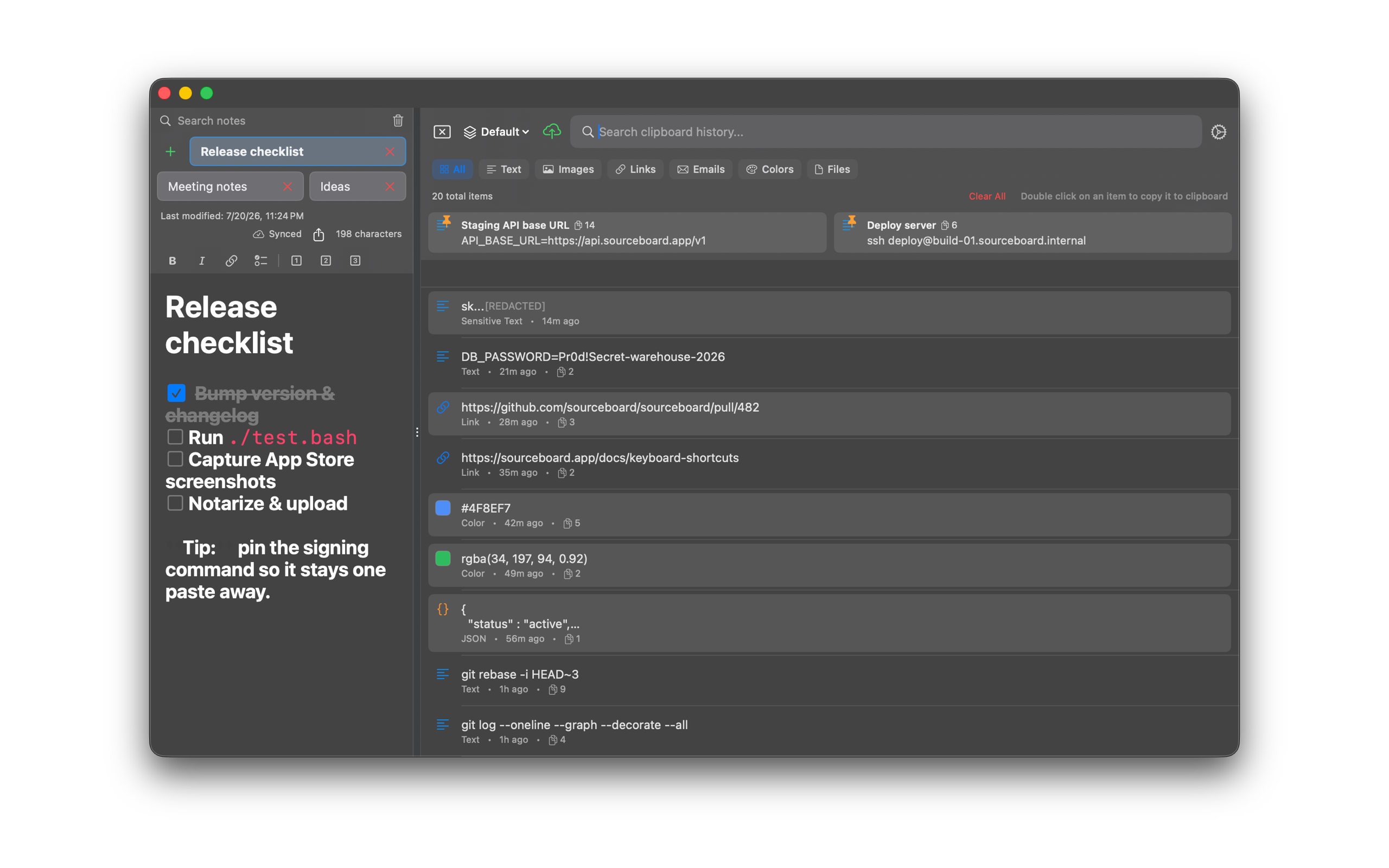
Keep longer notes beside your clipboard history — multiple notes, live markdown, Quicklink hotkeys, and recovery from Recently Deleted.
How to use it
- Open the notepad panel in SourceBoard.
- Create notes and switch between them with the wrapping tab bar.
- Search your notes when the list grows.
- Use live markdown for headings, lists, task checkboxes, code blocks, and tables.
- Assign a Quicklink hotkey to a note when you want one-key access.
- Recover deleted notes from Recently Deleted when you need them back.
- Export a note to plain text, Markdown, or HTML.