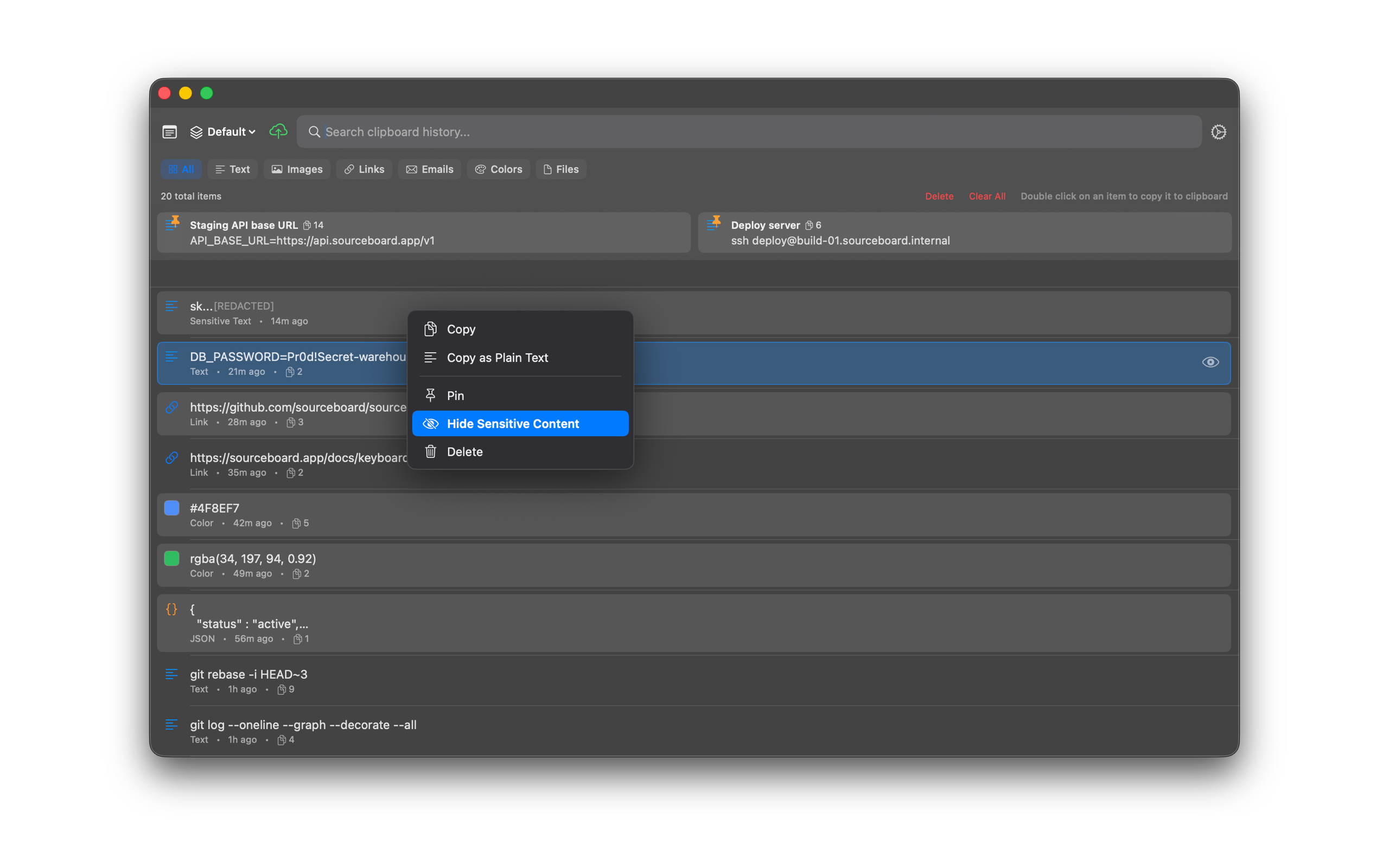
Privacy & Private Items
Keep sensitive clips out of casual view. Mark items private to hide their content from the main list, while history stays encrypted at rest on your Mac.
How to use it
- Select a history item that should stay hidden from the main list.
- Mark it private so its content is not shown in the main list.
- Rely on encrypted-at-rest storage (AES-GCM) with keys in your iCloud Keychain.
- Password-manager content is ignored by default so those secrets are not captured into history.