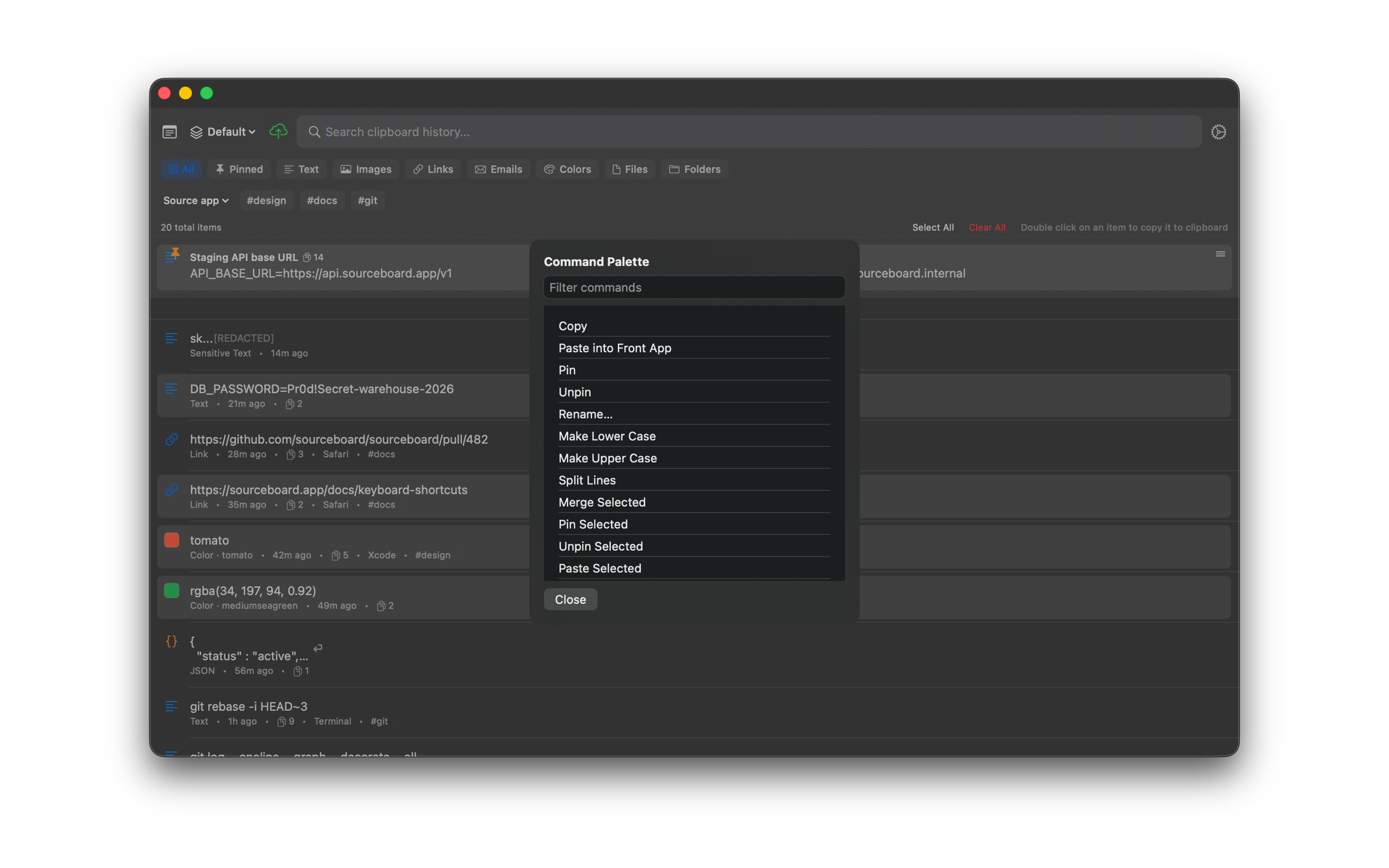
Command Palette
The command palette runs common history actions from the keyboard. After the 7-day trial, SourceBoard requires a subscription.
How to use it
- Open SourceBoard and select an item if the action needs one.
- Press Cmd+K to open the command palette.
- Type part of an action name, such as pin, paste, or rename.
- Press Return to run the highlighted action, or click Close.
Shortcuts
- Cmd+K — open the command palette
- Return — run the highlighted action