Custom Titles
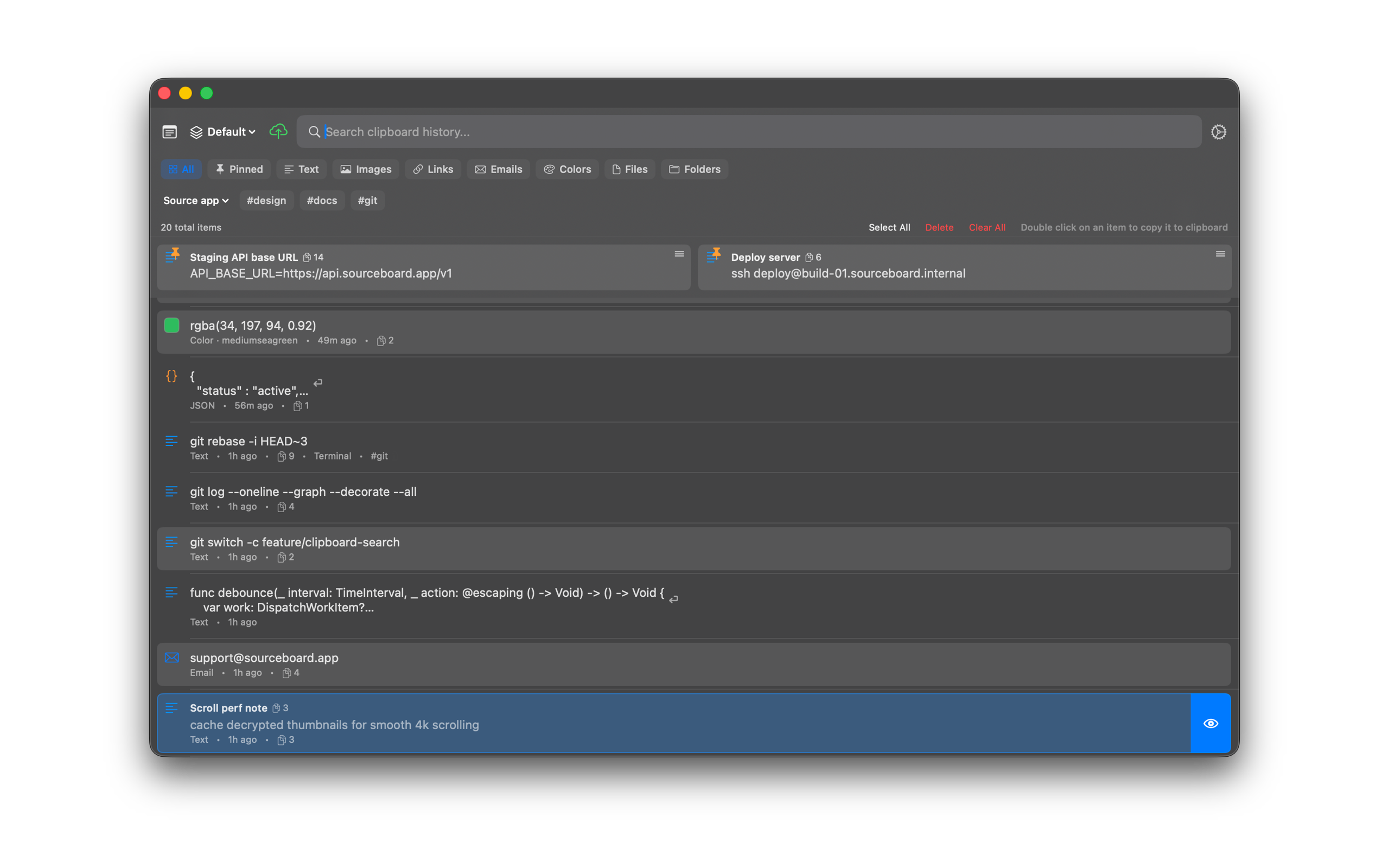
Add a custom title to any clipboard item (pinned or not) so you can find it faster in the list and in search.
How to use it
- Select an item in history.
- Choose Set Title (or Rename…) from the context menu, or press Cmd+R.
- Enter a short title and save. The title shows in the list above the content.
Shortcuts
- Cmd+R — rename the highlighted item (custom title)